12.20.2013

{iPhone} Christmas wallpaper

I wanted to make something with these when I saw the printables over at eighteen25:
Santa Claus is Coming to town

Here's what I came up with.


It's pretty easy to come up with your own if you can work your way around photoshop. You just need to use the correct pixel size for your screen resolution. That information can be found here:
http://www.iphoneresolution.com/


12.03.2013

{PreSchool} Artwork

Wow it's been a while. I've been up to a lot of things with little picture taking. I decided I need to preserve my daughter's artwork. I downloaded the 12x12 template from Persnickety Prints found here.

I thought it would work out better if it was all condensed. I got this idea from Pinterest, but I can't find where I was inspired about for this.


3.29.2013

{Mini} book with mini instaframes

Here's a mini book I just completed using my instaframes I made (and shared with you!). I thought it turned out great. I always have an easier time completing things for other people than I do with projects for me.

This is for my sister who is currently at the Missionary Training Center in Utah. She will leave in a few months to go the Philippines. She has to spend some time in Utah to learn the language - Tagalog. She seems to be picking it up pretty quickly. I just wanted to make a quick book of encouraging quotes to brighten her day. I also made one for her roommate/missionary companion. I hope they both like them.


 Little tabs - used my new Stampin! Up border punch

 My instaframes in action

 This page flips back to reveal the frames below


 Found these journal cards at Michaels

 This is my favorite page. Used Stampin! Up new Honeycomb Texture emboss folder. The tag is colored with Heidi Swapp Color Shine in Primrose. It was kind of a happy accident so I used it!.
Seam binding colored with Heidi Swapp Color Shine in Chartruese

Supplies: Silhouette - cut tags for mini book
Color Shine - Primrose and Chartruese
Vellum for quotes
Paper from Michaels - Recollections Vintage Collage
Lettering: Thickers, Remarks 

3.28.2013

{Instagram} Series: Episode One: mini instaframes

Since I've been using instgram, I thought it might be fun to do a little mini series about it. I'll start with mini frames.

 I've also loved all the apps (LabelBox, Photo, DipTic, and a few others) that you can use to jazz up your Instagram pictures. I've used a lot of fonts from Rhonna Designs and have found some other files that you can use to add to your Instagram.

I needed some instaframes to add to a scrapbook page and since I couldn't find exactly what I was looking for, I made some of my own. Here's the SVG file I thought I would share. Right click to access. I hope it works. I have the PNG file if anyone wants that as well.

After you download, you can import into Silhouette software by following steps here:
http://joyslife.com/how-to-import-svg-files-in-silhouette-studio-designer-edition-software/

Let me know if this works for you. 

12.06.2012

Echo Park {Baby} Tags

I've been really busy creating lately. Thought I would help out with this cause over at Echo Park paper. I don't have physical product for them, but I do have a ton of digital stuff. So I went hybrid for these. Made some tags via photoshop (trying 11 at the moment and totally liking it!). And here's some of the ones I came up with!


I used the following lines: Tag 1 - This and That Graceful Tag 2 -  Dots and Stripes: Candy Shoppe Tag 3 - Pride and Joy Tag 4 - This and That Charming. All kits found at JessicaSpraque

11.27.2012

Rhonna Designs: Merry Christmas Gift {Tag} Contest

Rhonna Designs is holding a contest to create Christmas tags using her new and last year's digital Christmas line. I thought I would make one and turned into a few. Here's what I came up with:


Feel free to join in. You just need to post to her blog and to this pinterest board to enter. She has more detailed instructions.


9.03.2012

{Mixed} Media: Help?

I'm in need of some help. I've really wanted to get something made that is mixed media, but I need resources. Searching the internet helps a little, but I was wondering if my crafty friends can point me to places that have helped them. Any suggestions? Let me know!!

8.22.2012

{Farmers} Market


A little something I came up with for a church activity. I found the vegetables here


6.19.2012

Phonto: a tutorial {PC/Windows Version}

**NOTE:I had a little issue with this today. If you install more than 30 fonts (yes, I have 100's to choose from), it may cause the app to crash. I had a chat with the developer and this was his advice. Keep it under 30, people, or you might run into some issues! Good luck!

 You will follow the same basics steps as the MAC version only your font directory will be in a different location.

*Windows 7 version:
1. Open iTunes. Connect iPhone for faster transfer of files.

2. Click on iPhone device (i.e. Mine is Lindzie Head).

3. Click on Apps section. Scroll down to File Sharing. Double Click on Phonto.

4. Click Add... button

5. Locate File directory for your Fonts on your computer.
Windows 7 refers to it as Font Manager
Start > Control Panel > Fonts 
or
C:\Windows\Fonts

** If any of you need a different version of Windows, let me know. I'll see what I can find for you**  

6. Click on the font you want to add and Viola!
Font of choice can now be used.

7. Sync iPhone to ensure changes.

Will get some screen shots up soon.

6.13.2012

(UPDATED) Phonto: A tutorial {MAC version}

**NOTE:I had a little issue with this today. If you install more than 30 fonts (yes, I have 100's to choose from), it may cause the app to crash. I had a chat with the developer and this was his advice. Keep it under 30, people, or you might run into some issues! Good luck!
I've been using some pretty cool apps on my iPhone. One that was recommended to me was Phonto. Phonto allows you to add text to pictures and even create a blank template (a .99 cents add-on). They recently released a new update that allows you to install your own fonts - OTF or TTF file types. So cool as I have hundreds of fonts that I have purchased from scrapnfonts.com, rhonnadesigns.com, houseof3.com (no longer available), and various free sites - dafont.com, losttype.com, fontsquirrel.com to name a few.

I thought I'd make a quick tutorial on how to get those fonts on your iPhone. Here it goes:

*MAC version:
1. Open iTunes. Connect iPhone for faster transfer of files.

2. Click on iPhone device.

3. Click on Apps section. Scroll down to File Sharing. Double Click on Phonto.
Click on apps section. Scroll to File Sharing
Double Click Phonto


4. Click Add... button

5. Locate File directory for your Fonts on your computer.
[Your Home User Directory] (in my case Lindz) --> Library --> Fonts
Font Directory location
6. Click on the font you want to add and Viola! Font of choice can now be used.
Font has been added
7. Sync iPhone to ensure changes.

Enjoy and I will try to get a version up for a PC soon. 

6.12.2012

Fathers are so {special}

A little card I put together via PSE. Used some elements from Stampin! Up and Miistina at Sugarhill Co.

6.03.2012

Come Sail Away

I apologize that some of these pictures aren't the greatest, but I was so excited to get to create something with Rhonna Designs new line Nautical Chic that I couldn't want to take decent pictures tomorrow!

I'm co-teaching with Amber over at Stampin Crazed for a journal/family traditions class for our church. I decided to use a compositional notebook and make it my own. I used this to create my buttons on the front and this of the sayings on the front, inside cover, and back inside cover. I really like these colors and how the whole came together! I decided to use a red duck tape sheet to cover the black binding. Hope you enjoy!

 Front Cover - thicker letters
 Buttons and quote art


 Inside Front Cover - "Look at all the beauty in your life. Be happy"
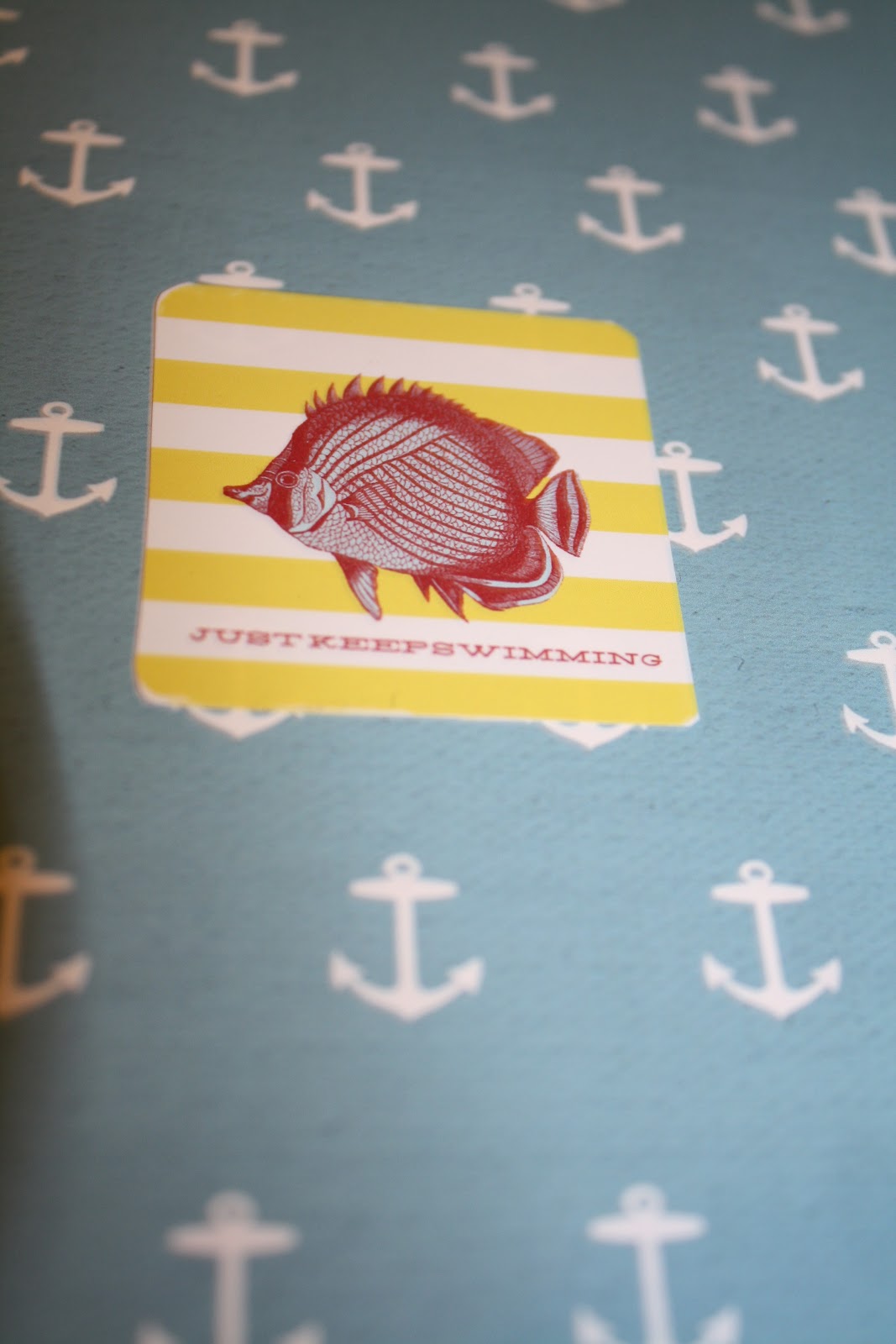
 Inside Back Cover - Just Keep Swimming
 Back outside cover


 Lined pages with printable kit

Lined pages - I'm not afraid of storms for I'm learning to sail my ship

6.02.2012

For the birds

My neighbor (shout out to Audrey!) made a cute game involving fish, numbers and searching for her son. It's a great rainy day activity so I thought I would wipe the dust off my Silhouette Cameo and make a game of my own. I couldn't find a decent fish shape for the Silhouette (as I'm sure they are out there) so I opted for a bird shape I already owned. I cut the numbers out on different brightly colored paper (of my daughter's choosing) and print and cut the names of the numbers onto the shape. I figured I might as well laminate them too. :) My tools have been gathering dust in the basement! I thought this little project turned out pretty good. Enjoy!

If you don't own a silhouette, I found this free template:
FISH
You could print this template out on colored cardstock/heavy weight paper and write the numbers on them. Same idea and quick!

5.04.2012

366 {photo} a day challenge - March/April 2012

These are just my layouts. I used Rhonna Farrer's Spring Circus for April. It felt like a good fit for the layout. I'm behind on getting the pictures in, but I've been a little preoccupied.For March, I kept it simple. The brushes are from Just Jaimee over at Sugar Hill Co.
Template from Gennifer Bursett over at Design House Digital